
Community & nonprofit spaces
Software for community makerspaces
Community spaces run on a small paid team, a lot of volunteers, and a membership that ranges from career machinists to people who have never used a drill press. The software has to hold that together without a full-time administrator.
What this kind of space actually runs into
The team is small and mostly volunteer
Anything requiring daily administration will not get done. Maintenance generates itself on schedule, low stock flags itself, and the tasks that need a human show up on a phone rather than waiting on a desktop.
Members have wildly different skill levels
Training and credentials gate the equipment that warrants gating, and leave the rest open. A member checks their own progress and prerequisites in the app instead of asking whoever is at the front desk.
Open hours are not the same every week
Typed, recurring operating hours cover open hours, club nights, and staffed hours as separate overlapping schedules, with closures that override them — and members see what is open right now from the app.
Nobody has time to rebuild the website
The public catalog and event pages are generated from the same records the space already maintains, and can be embedded into an existing site rather than replacing it.
Where to start
The modules that carry the most weight here
Every plan includes the whole platform, but these are the ones this kind of space tends to lean on first.

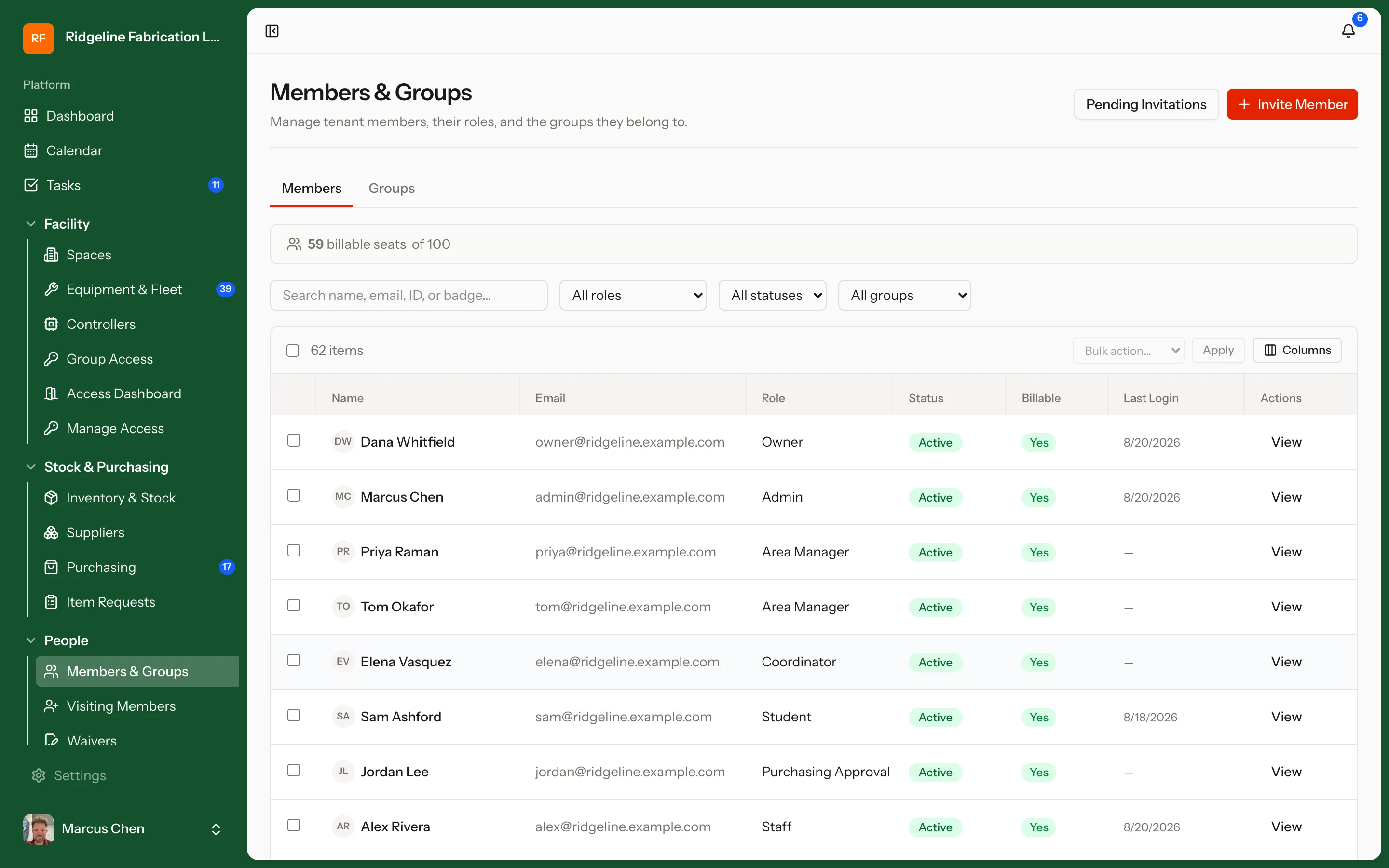
User Management & Access Control
Roles and permissions for members, students, staff, and technicians. Equipment access follows credentials automatically — pass the training, get the machine; let a certification lapse, and access pauses with it.

Training, LMS & Credentialing
A built-in LMS for safety and equipment training. Build courses in-app with slide, video, and quiz lessons — or import existing SCORM 1.2 content — then chain prerequisites and run in-person sessions with waitlists. Completions roll up into the credentials that unlock machines. Ideal for academic makerspaces running hundreds of students a semester.

Scheduling
Book time with the people who run the floor. Members request training or assisted machine time, requests land in a queue staff actually work through, and the staff schedule itself lives right alongside — with drag-and-drop shift planning and swaps.

Public Catalog & Events
A public-facing catalog of your equipment and capabilities, plus public event pages people can actually sign up for. Prospective members browse what is on the floor before they ever walk in — and RSVP to open houses, classes, and training sessions without creating an account.
Priced so the members are not the meter
Plans are sized by staff seats and locations, not by how many members you have. Growing the membership never increases the bill, which is the opposite of how most tools in this category work.
Run your space on process, not memory
Start free in minutes, or book a 30-minute walkthrough with real equipment, training flows, and reports — tuned to how your space actually operates.